SimpleSal/simplesal software source code repository.
The contents of the software, the source code, changes over Time. This is a rule.
This article is a window or portal, with a view into the SimpleSal/simplesal repository.
The structures, objects, and object contents in any repo define Reality. This view is of shadows on a wall.
A repository is a communication medium
Content is published into the repository (repo); content is consumed from the repo.
The contents of a repo, repo-blobs, are each a communication medium unto themselves.
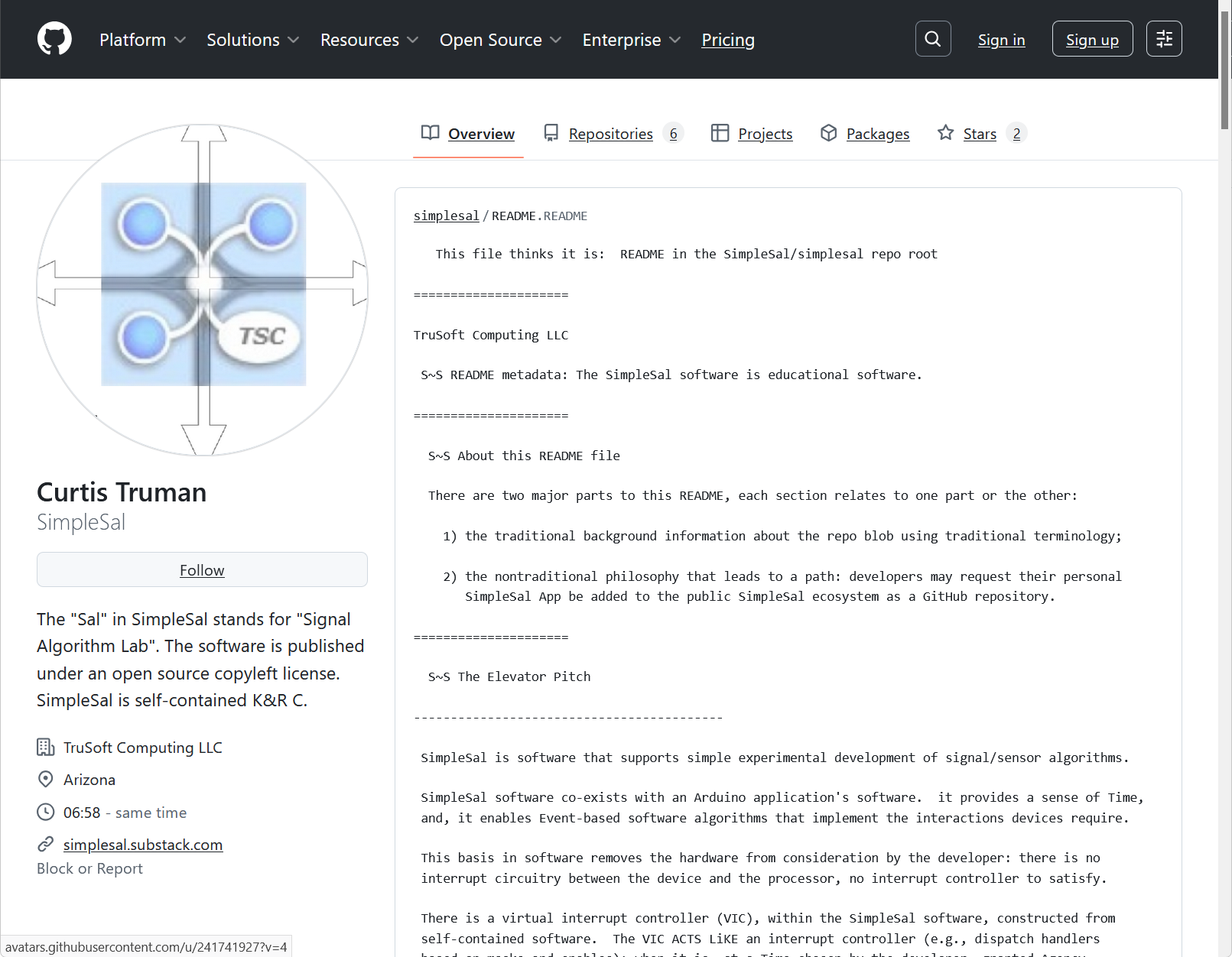
The place to start is the SimpleSal username in the repo; look first at the README.
What is the repository
In 2026, on the World Wide Web, there is a public website called “github<dot>com”.
Access this site through normal security in your workspace. The Github username is (look out!) “SimpleSal”. Learn the repo UI’s search function: for Github username “SimpleSal”, ask to see SimpleSal’s collection of public or visible repositories. The way to say this is click the magnifying glass and enter “owner:SimpleSal”. Repo names here are in the form “SimpleSal/repo”.
What does a repository look like
Software developers have always need to implement software version controls and create copies for distribution or backup. Repos are simply the most modern method, in support of global development communities. This implies an evolution over Time.
The organization and language of any repository is bound to adhere to conventions so potential consumers can understand the signal. The signal occurs within the repo context, whether the database exists locally or remotely. The result is that publishers create signals that consumers must learn to look for and receive.
A goal of SimpleSal is helping developers learn to produce and publish a signal; the SimpleSal list of repos is intended to include SimpleSal Apps written by users.
What things in the repository look like
Completely independent of the individual developer’s editor application (call it a UI) and the build/run application used by developers (a complex UI), and the fancy documentation on SimpleSal (yes it is a UI), the software source code and the descriptive information (the metadata is a UI) are communicated in text files. Ascii characters, no format characters. Note the distinction between a viewer and a browser capable of processing HTML.
This is so fundamental that every developer knows the simplest file viewer on any system they use. Extra points go to the developer who can load, edit, save a file.
What are the repositories offered by SimpleSal
The SimpleSal collection of repositories contains two broad categories:
SimpleSal source software, and, help with writing SimpleSal App software.
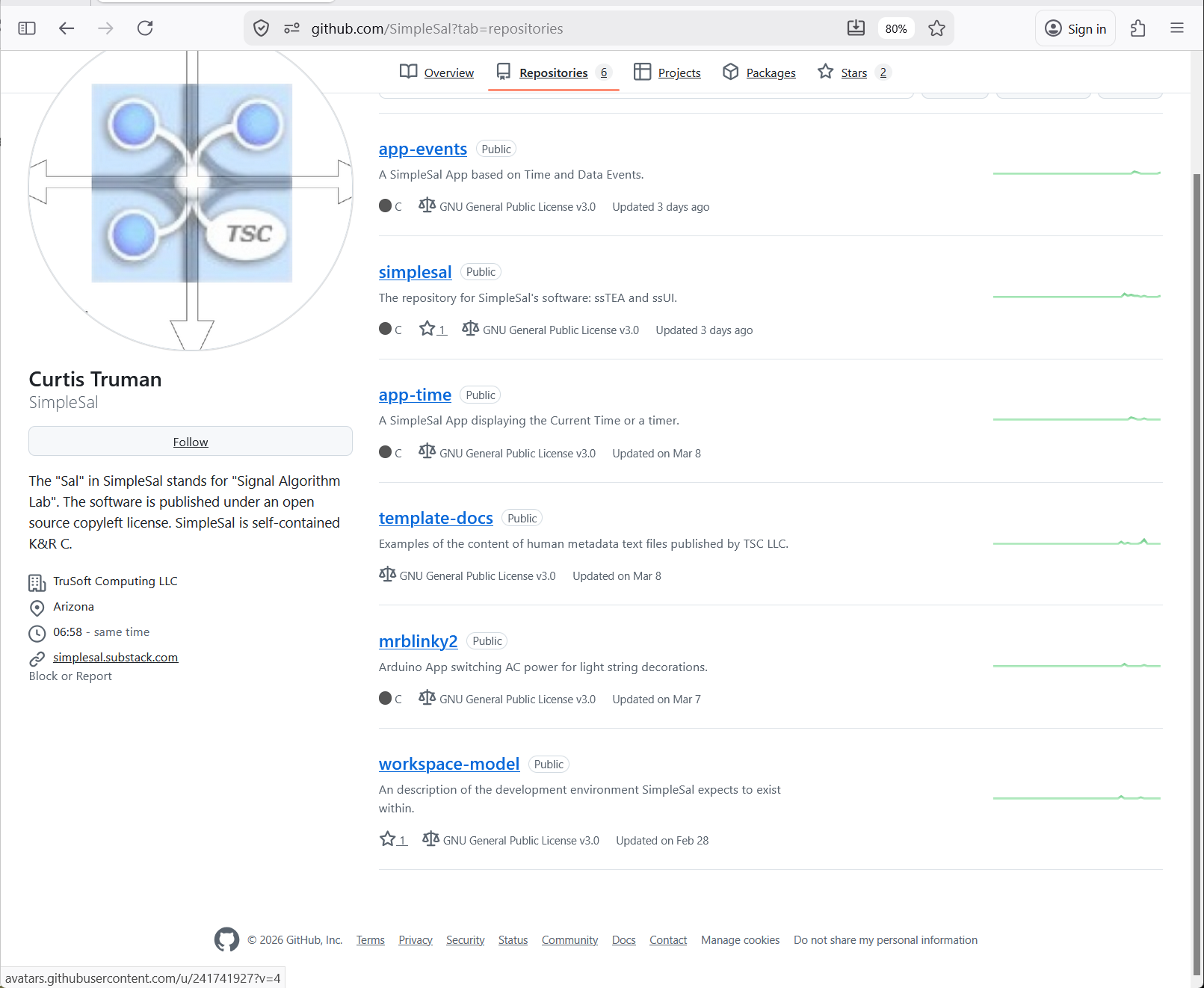
The SimpleSal/simplesal repo contains all of the non-App software. Variations in the software will occur over Time; the software repo is a window into all changes with an ability to choose one set.
SimpleSal App repos have a name in the form “SimpleSal/app-xxxx”. SimpleSal Apps refer to ssTEA and ssUI through a copy of the SimpleSal/simplesal repo; source code software compiled with the App.
Some are static examples of a feature or solution. Others are used to demonstrate development methods or tools, e.g., “app-events” is the basis for a video about hard faults.
Providing a place to write software is the primary purpose of the SimpleSal ecosystem.
The context, the software laboratory, is in form of example source and “how-tos” about combining an application or App with the source files of SimpleSal to create a SimpleSal App.
These repos describe the models TruSoft Computing LLC uses for developing and publishing software.
1. SimpleSal/workspace-model describes a model for writing version-controlled software
* the context for the model in the examples thus far is Arduino
2. SimpleSal/template-docs describes the contents of the metadata files published
* actually they describe reasons for the metadata TruSoft Computing LLC publishes
This repo contains the original electronic gadget’s software that needed SimpleSal.
SimpleSal/mrBlinky2 a multi-board gadget controlling AC power over 8 channels
* the attempt to shape the signal (e.g., rise/fall time) needed a Time Keeper
How SimpleSal files affects the App’s repo
There is within the SimpleSal directory, as consumed from the repo, a set of templates: “ss_configuration.start” and “mesa_*.start”. These files needs to be copied into the App directory, renamed with an “.h” extension, AND they should be adopted by the App into its project build artifacts and definition. Editing is not needed to affect ssTEA’s build. A unique specific configuration can be stated and shared across Apps. The “mesa_” files are only used by ssTEA for portability.
How to add it to your App
The Github repo /workspace-model contains more complete descriptions. The model is not overly demanding; it simply provides a structure for all examples to follow.
This is a process performed once for an App, or a set of similar Apps.
Short version:
instantiate SimpleSal (make an instance exist locally within an App directory)
reference (from the repo, add in “the top-level SimpleSal include file sequence”)
incorporate (as seen in the repo, perform cut-and-paste edits to App setup and loop)